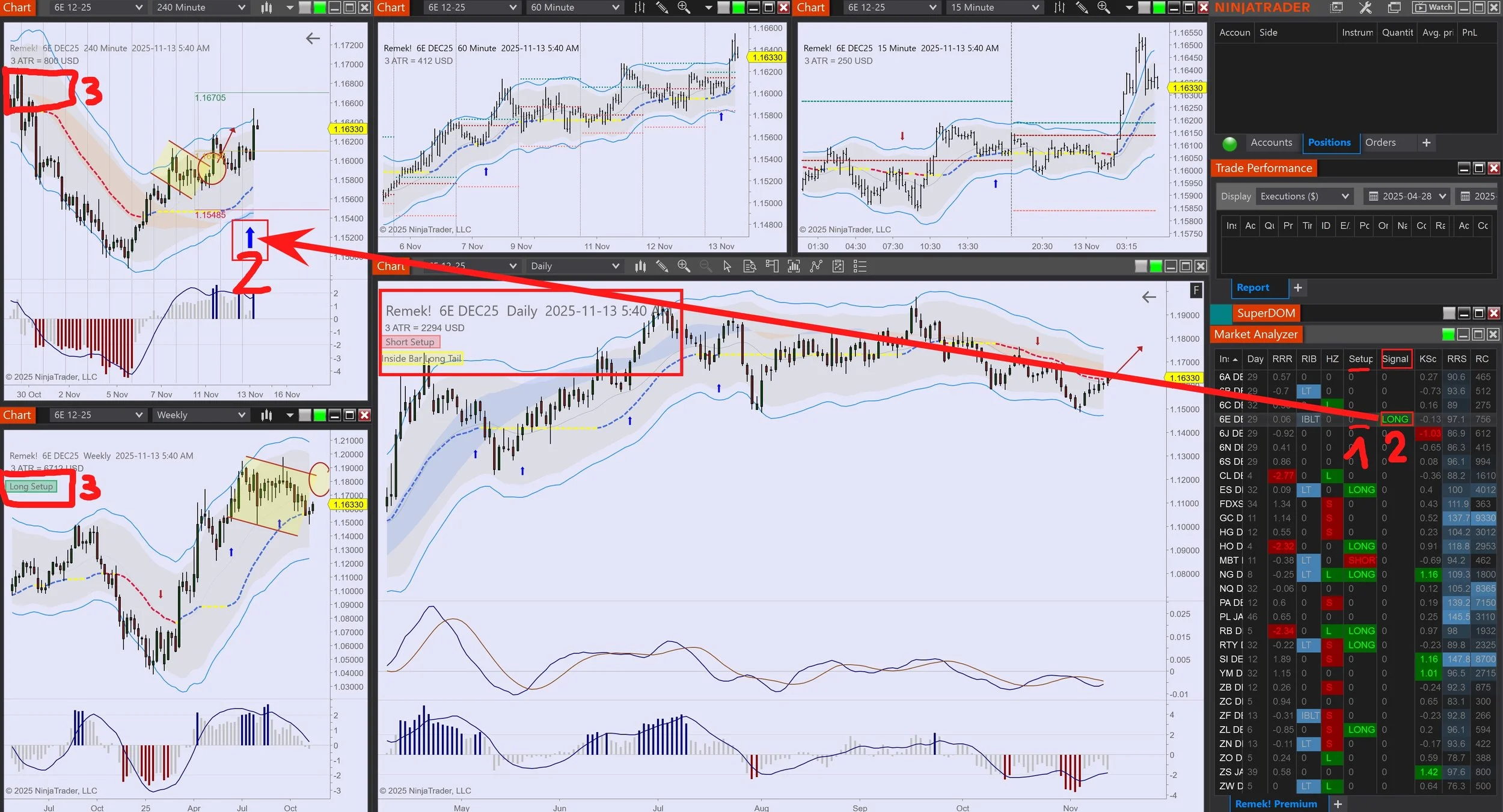
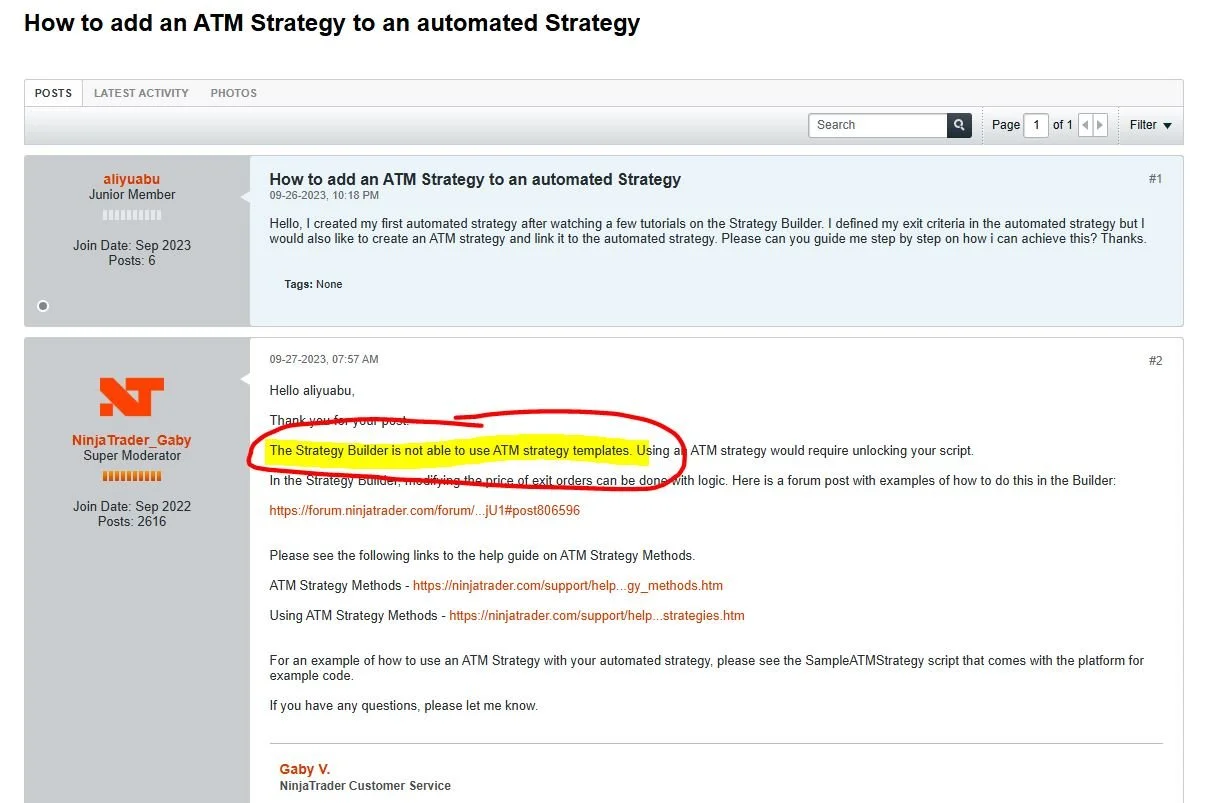
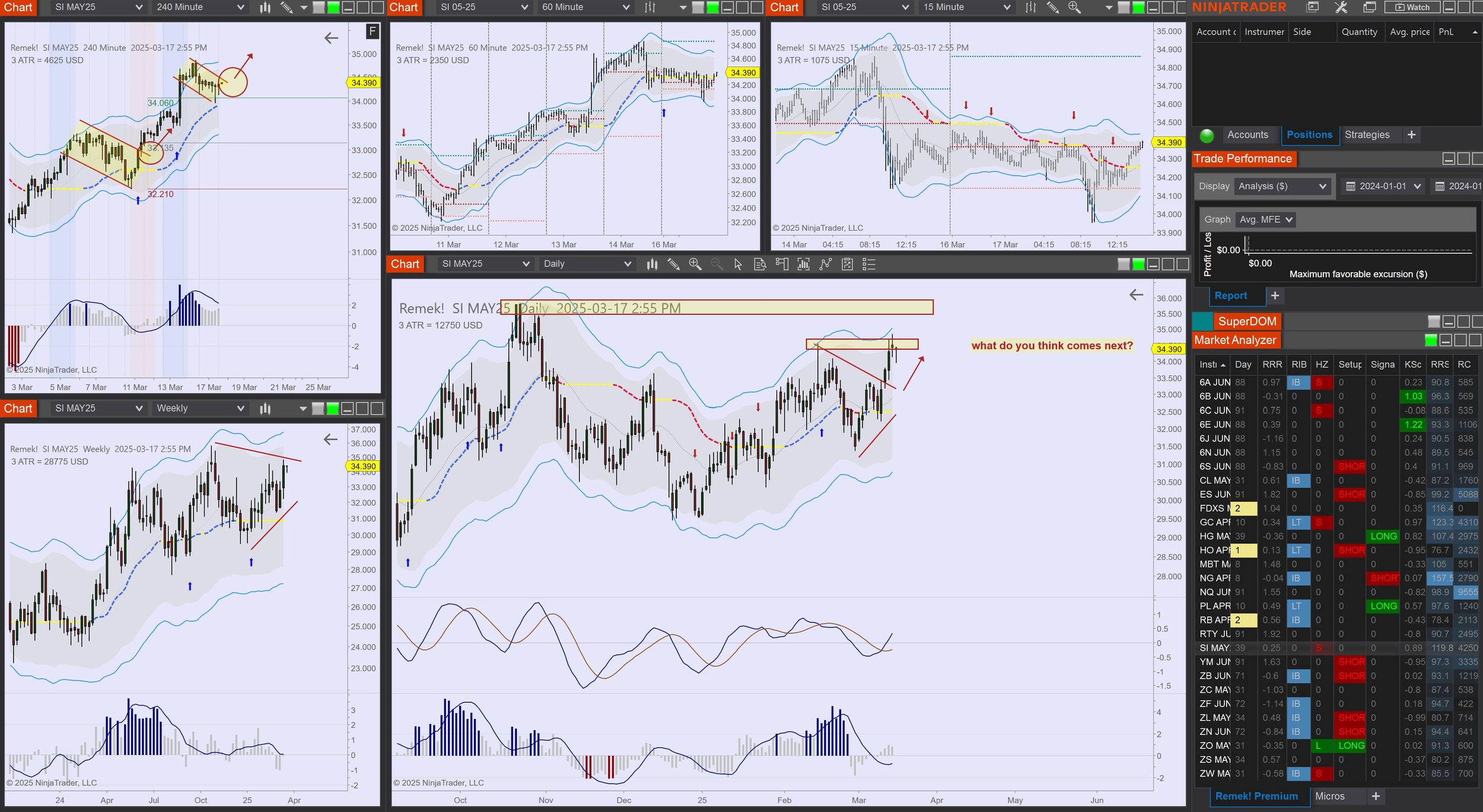
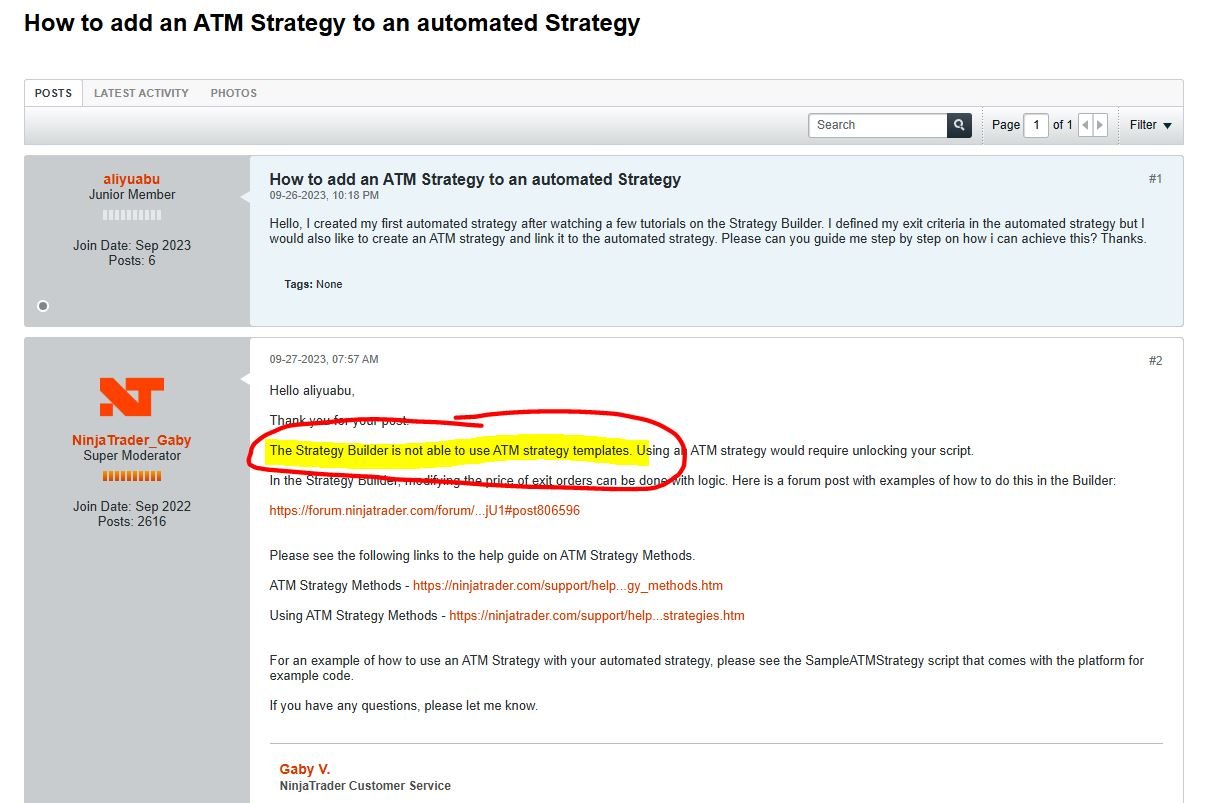
In response to a thread on our Forum, we’ll walk you through how you can use our Remek! Momentum Pro indicator with Bloodhound, and push the limits of what’s possible in algorithmic trading.
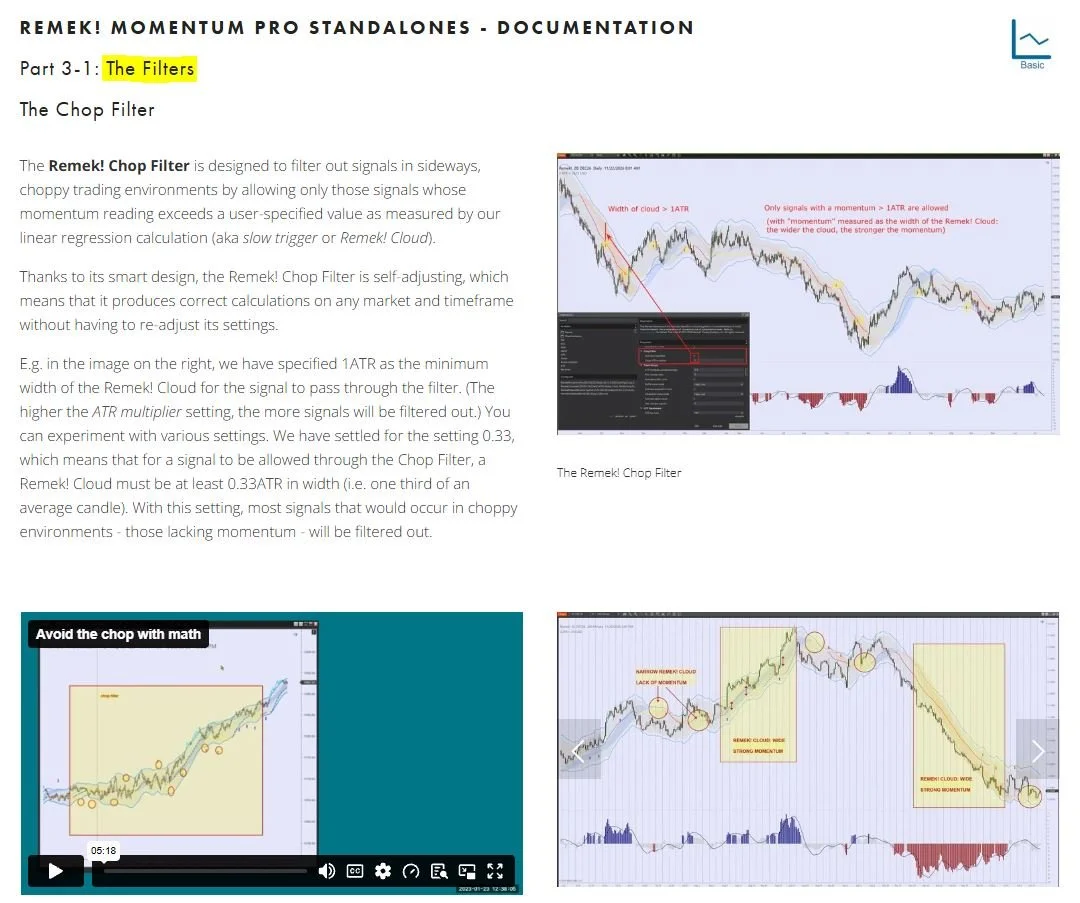
Important detail: at 6:35 in the video, you will see a long Bloodhound signal (at 16.32 on that doji bar), but no Remek! signal on the same bar. Why is that? Well, as you’ll see, that discrepancy was caused - as we will see in the video a minute later - by a slight difference between the settings of the Chop filter: 0.3 vs 0.33. As soon as we fixed the difference by entering the same setting (0.33) into both Remek! signals (one outside and one inside Bloodhound), the discrepancy disappeared! A good demonstration of the importance of using the same settings across your application. (Note that the settings can be saved as a template, so using the same settings globally is easy.)